The source of truth behind seating and catering
Wedding guest list template
A guest list should support invitations, RSVPs, catering, accessibility, seating, and final vendor handoff. This guide explains the required fields and shows a flattened preview of the paid guest-master and seating workflow without exposing the editable files.
What this page recommends
Use one guest record per person, preserve household/group context, and keep RSVP, meal, allergy, accessibility, child, seating, and confirmation data together. The paid product preview shows how those fields connect to table and vendor handoff views.
Recommended tool: Wedding Seating Chart Maker — $19
One person, one record
Household-level invitation tracking is useful, but catering and seating work at the person level. Separate adults, children, and plus-ones so each confirmed guest can be counted and assigned.
- ✓ Display name and sort name
- ✓ Household/invitation group
- ✓ RSVP and response date
- ✓ Meal and dietary information
- ✓ Accessibility, child, and seating fields
Keep unknowns visible
Do not guess a plus-one name, meal, or accessibility need. Mark the field unresolved and assign an owner to follow up. Hidden blanks are easy to miss; explicit unknowns can be managed.
- ✓ Invited, accepted, declined, awaiting
- ✓ Named versus unnamed plus-one
- ✓ Meal pending
- ✓ Accessibility follow-up required
- ✓ Seat unresolved
Freeze the vendor handoff
Before sending to the venue or caterer, reconcile confirmed guests, meals, allergies, children, and assigned seats. Export only the fields each vendor needs and retain a dated master copy.
- ✓ Confirm total accepted guests
- ✓ Count meals and special meals
- ✓ Review allergy/accessibility notes
- ✓ Compare assigned and unassigned
- ✓ Record version and delivery date
Working view
| Field | Use |
|---|---|
| Household | Invitation and communication grouping |
| RSVP status | Confirmed guest total |
| Meal | Catering count |
| Allergy/accessibility | Safe handoff and placement planning |
| Table | Seating reconciliation |
| Notes/status owner | Follow-up control |
Look inside the paid files
Real previews from Wedding Seating Chart Maker
These are flattened, watermarked images generated from the canonical paid PDF and XLSX release. They show the real structure without exposing an editable template.
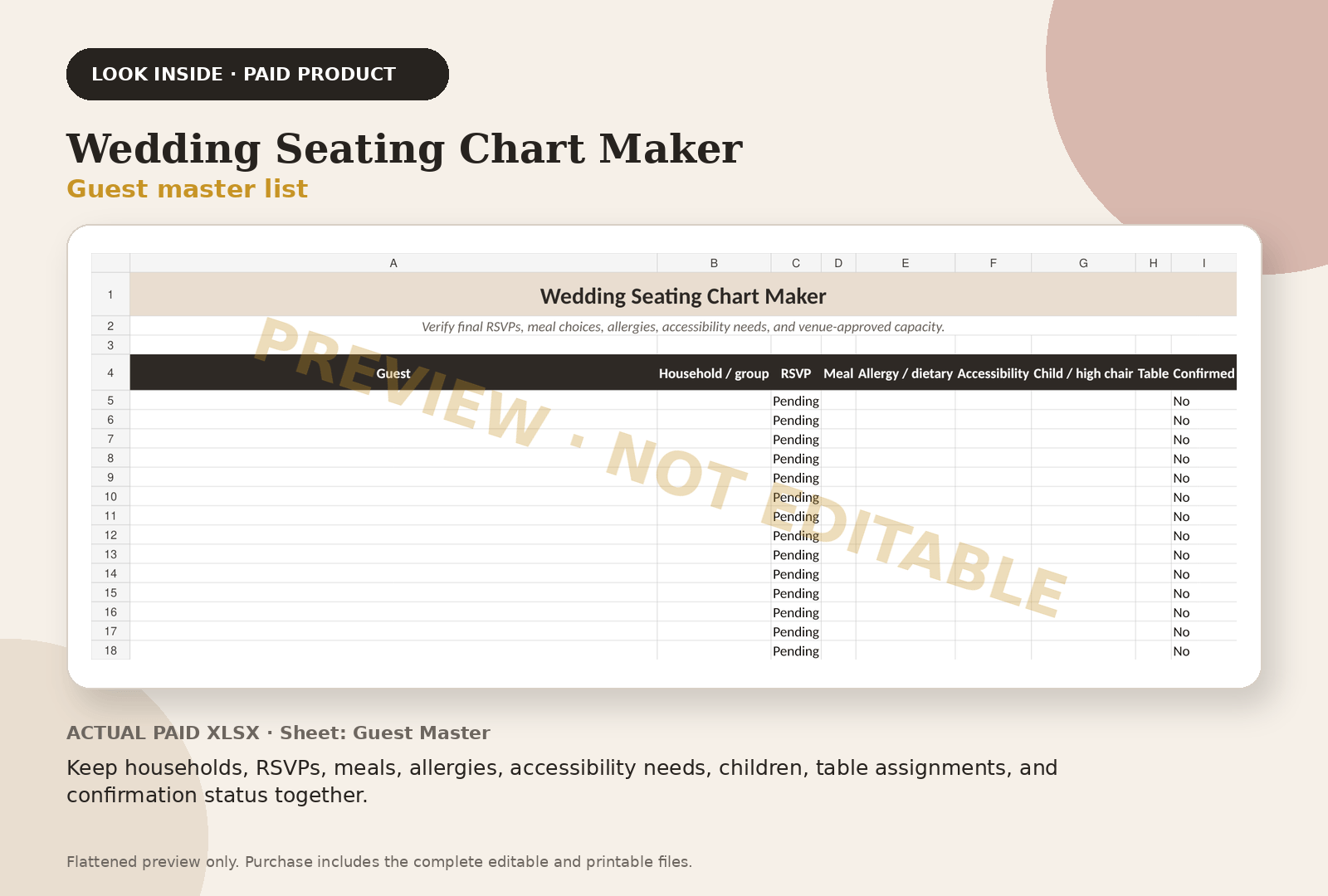
Keep households, RSVPs, meals, allergies, accessibility needs, children, table assignments, and confirmation status together.
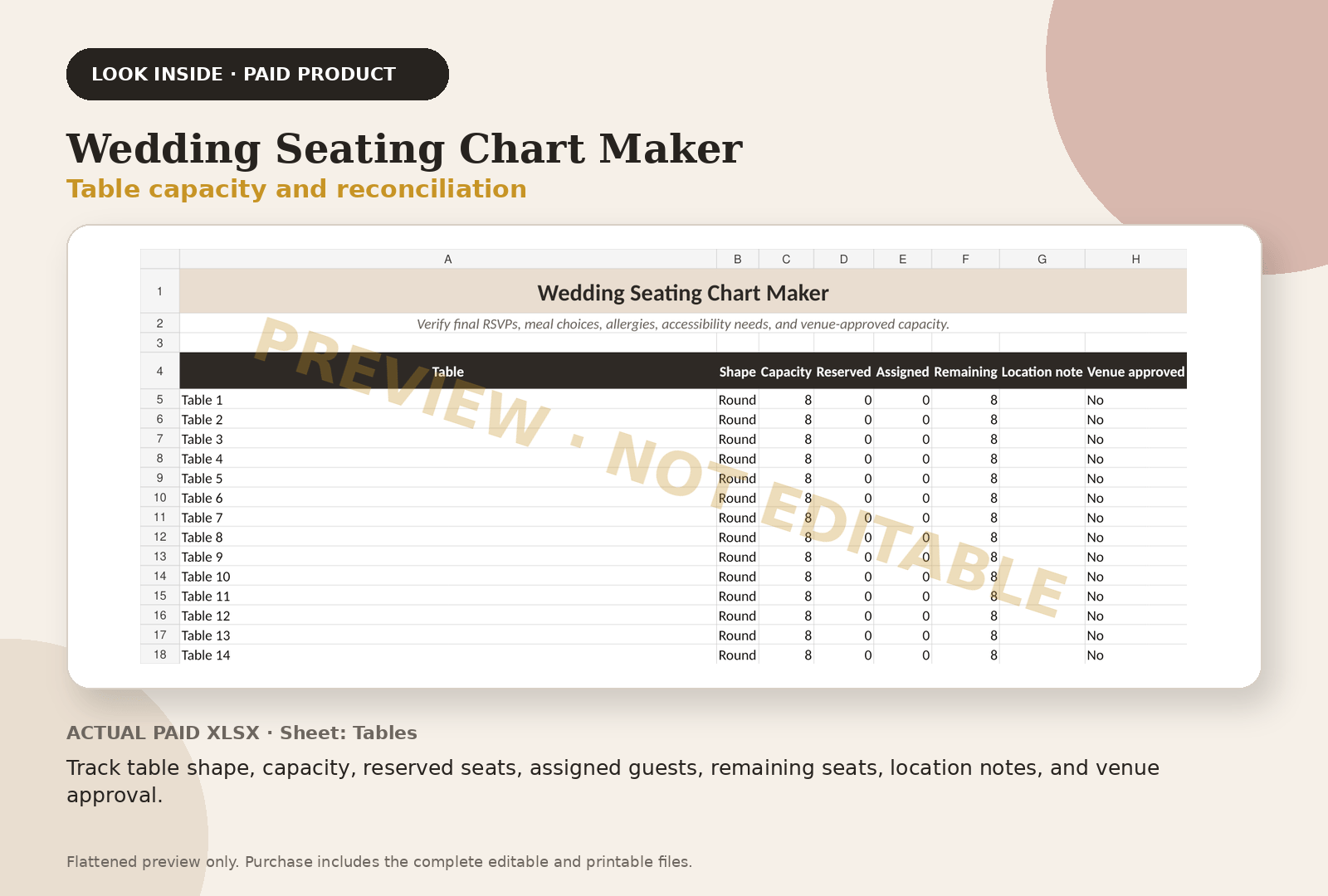
Track table shape, capacity, reserved seats, assigned guests, remaining seats, location notes, and venue approval.
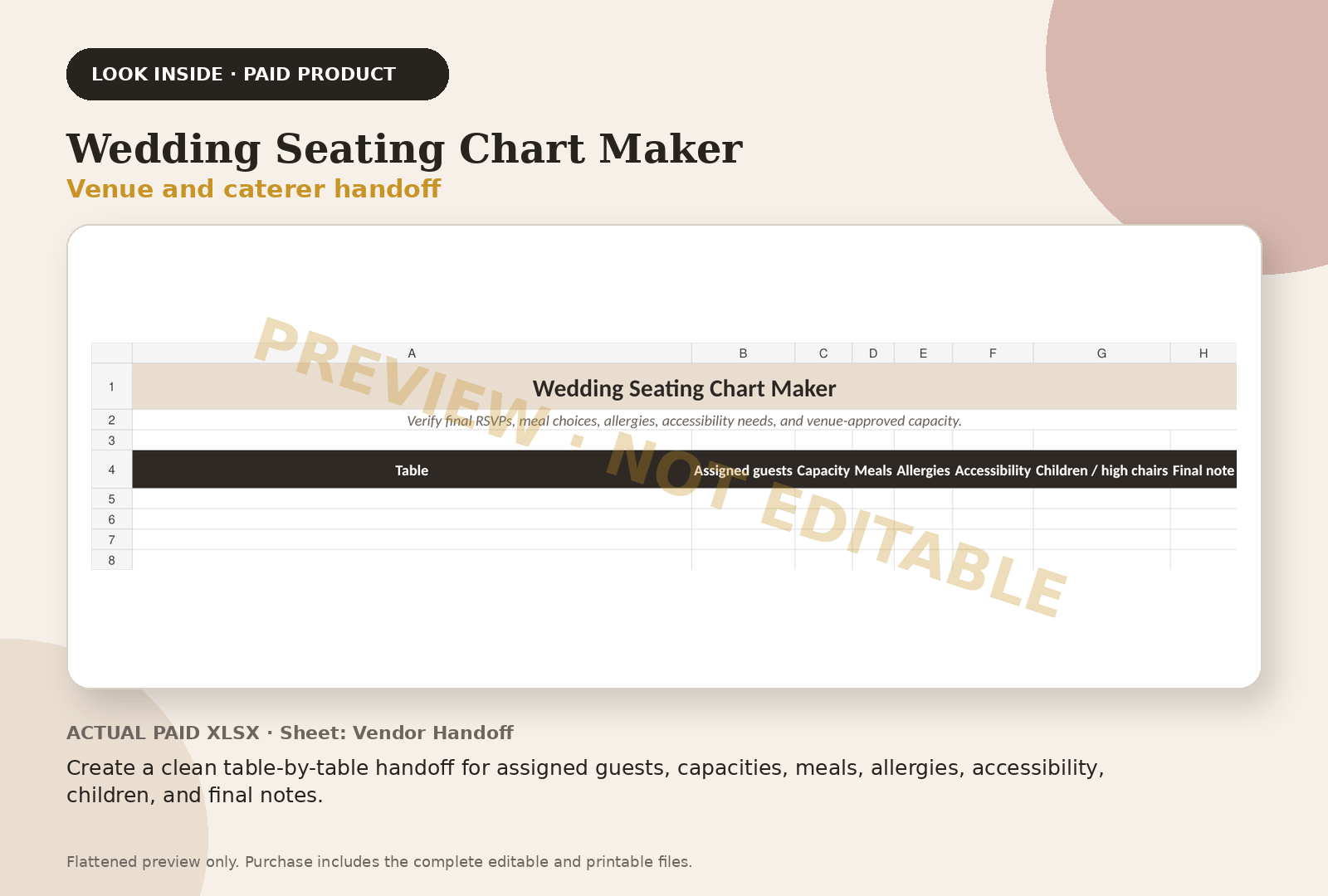
Create a clean table-by-table handoff for assigned guests, capacities, meals, allergies, accessibility, children, and final notes.
Questions couples ask
Frequently asked questions
Should couples or households be one row in a guest list?
Use one row per person for final operations. Keep a household field so invitations and communications can still be grouped.
What columns should a wedding guest list have?
Include names, household, contact status, invitation status, RSVP, meal, allergy, accessibility, child/high-chair, table, notes, and follow-up owner as applicable.
Is the preview an editable guest-list template?
No. It is a flattened, watermarked image from the paid workbook. The editable guest master is included only in the purchased Wedding Seating Chart Maker.
Continue with the working system
Wedding Seating Chart Maker
This educational guide explains the method. The product page shows the actual paid-file previews, exact file inventory, and checkout path.
Review Wedding Seating Chart Maker — $19Outside services couples use
Registry and invitations, when you get there
Some of these are affiliate links: if you sign up or buy through them we may earn a commission, at no cost to you.
Keep planning