Guest placement that survives final-week changes
Wedding seating chart planner
Wedding Seating Chart Maker is a free seating guide and a $19 editable workbook for building a venue-ready seating plan. It tracks confirmed guests, households, table capacities, meals, allergies, accessibility needs and children, reconciles RSVPs against tables, and prints the sheets the venue, caterer and escort-card table need on the day.
A seating chart is complete only when every confirmed guest is assigned or visibly unresolved, table capacities are respected, and the final data can be handed to the venue, caterer, and stationery team.
What this page recommends
A seating chart should reconcile every confirmed guest against table capacity while carrying meals, allergies, accessibility needs, children, and vendor handoff details. The paid-product preview shows how those views are organized.
Recommended tool: Wedding Seating Chart Maker — $19
Use the confirmed guest list as the source of truth
Do not build from invitation drafts, text messages, or multiple spreadsheets. Each guest record should have one stable name, household or group, RSVP status, meal, allergy, accessibility, child/high-chair, and notes fields.
- ✓ One row per guest
- ✓ Stable display and sort names
- ✓ Household/social group
- ✓ Meal, allergy, accessibility
- ✓ Assigned table or unresolved status
Build from venue capacity rules
Use the venue-approved floor plan and capacity guidance. Table labels, seat counts, dance-floor clearance, service paths, and accessibility routes must come from the venue or responsible professional, not from an online diagram.
- ✓ Approved table types and sizes
- ✓ Maximum and comfortable capacity
- ✓ Accessible routes and placements
- ✓ Vendor/service clearance
- ✓ High-chair and child-seat space
Reconcile before printing
Compare confirmed RSVPs with assigned guests, then review meals, allergies, children, and accessibility data by table. Issue one frozen version and control every later change.
- ✓ Confirmed guests = assigned + intentionally unresolved
- ✓ No table exceeds approved capacity
- ✓ Every special need is attached to the correct guest
- ✓ Alphabetical and table-order exports agree
- ✓ Late changes logged and reissued
Working view
| Guest | Household/group | Table | Meal | Allergy/accessibility |
|---|---|---|---|---|
| Jordan Lee | Lee household | Table 4 | Vegetarian | Aisle seat |
| Morgan Lee | Lee household | Table 4 | Chicken | |
| Casey Rivera | College friends | Table 7 | Fish | Nut allergy |
| Avery Chen | Work friends | Unassigned | Vegan | Wheelchair route |
Look inside the paid files
Real previews from Wedding Seating Chart Maker
These are flattened, watermarked images generated from the canonical paid PDF and XLSX release. They show the real structure without exposing an editable template.
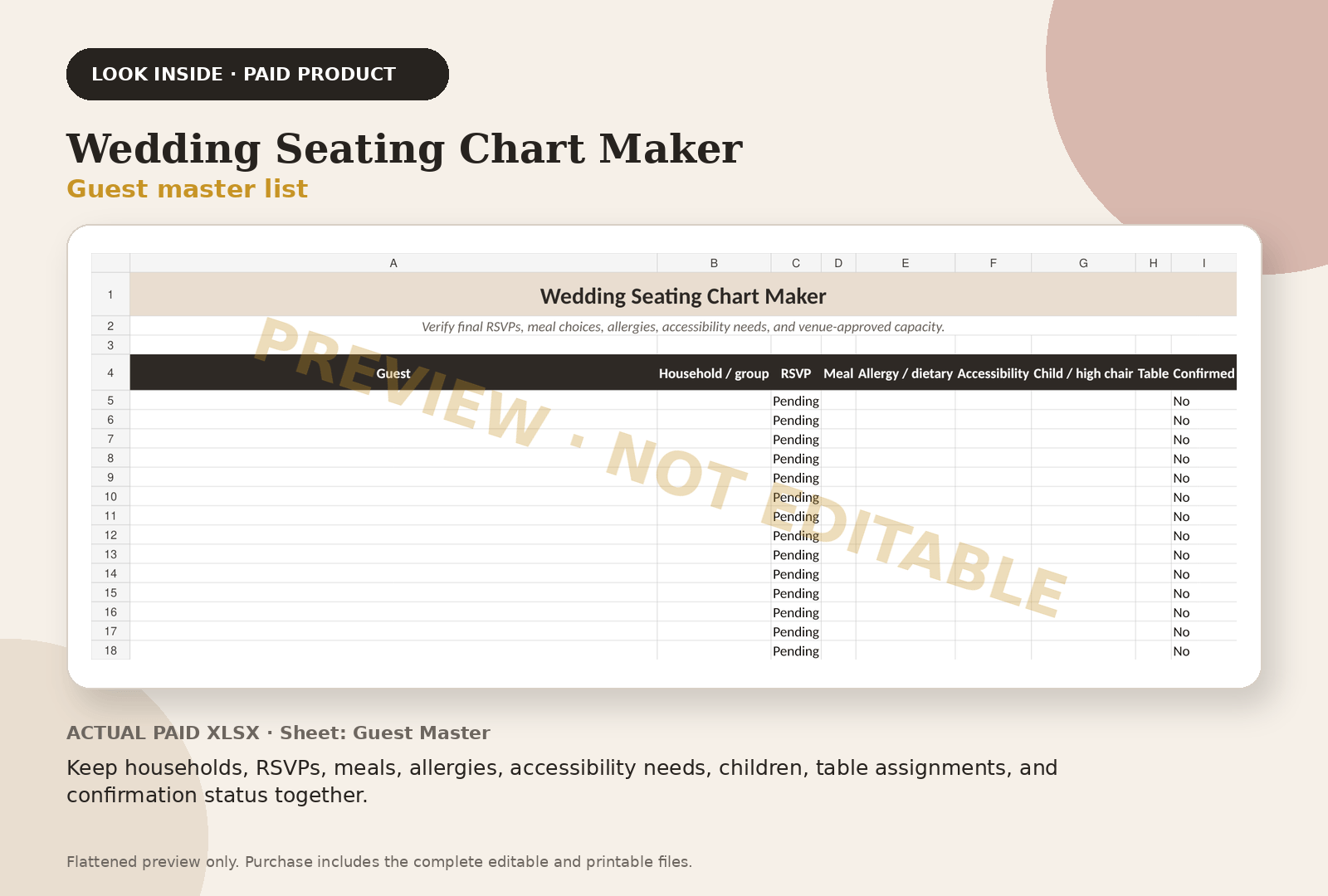
Keep households, RSVPs, meals, allergies, accessibility needs, children, table assignments, and confirmation status together.
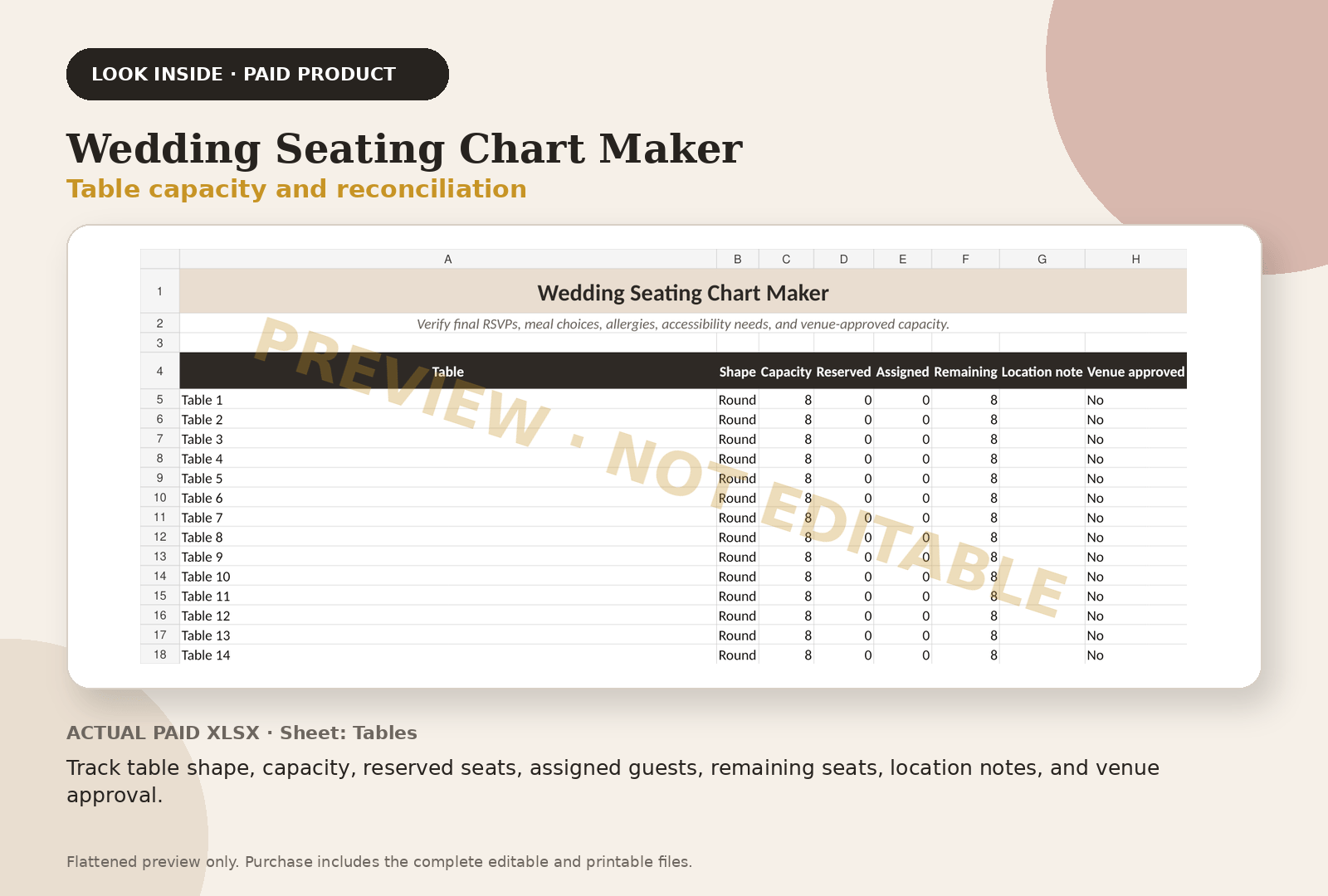
Track table shape, capacity, reserved seats, assigned guests, remaining seats, location notes, and venue approval.
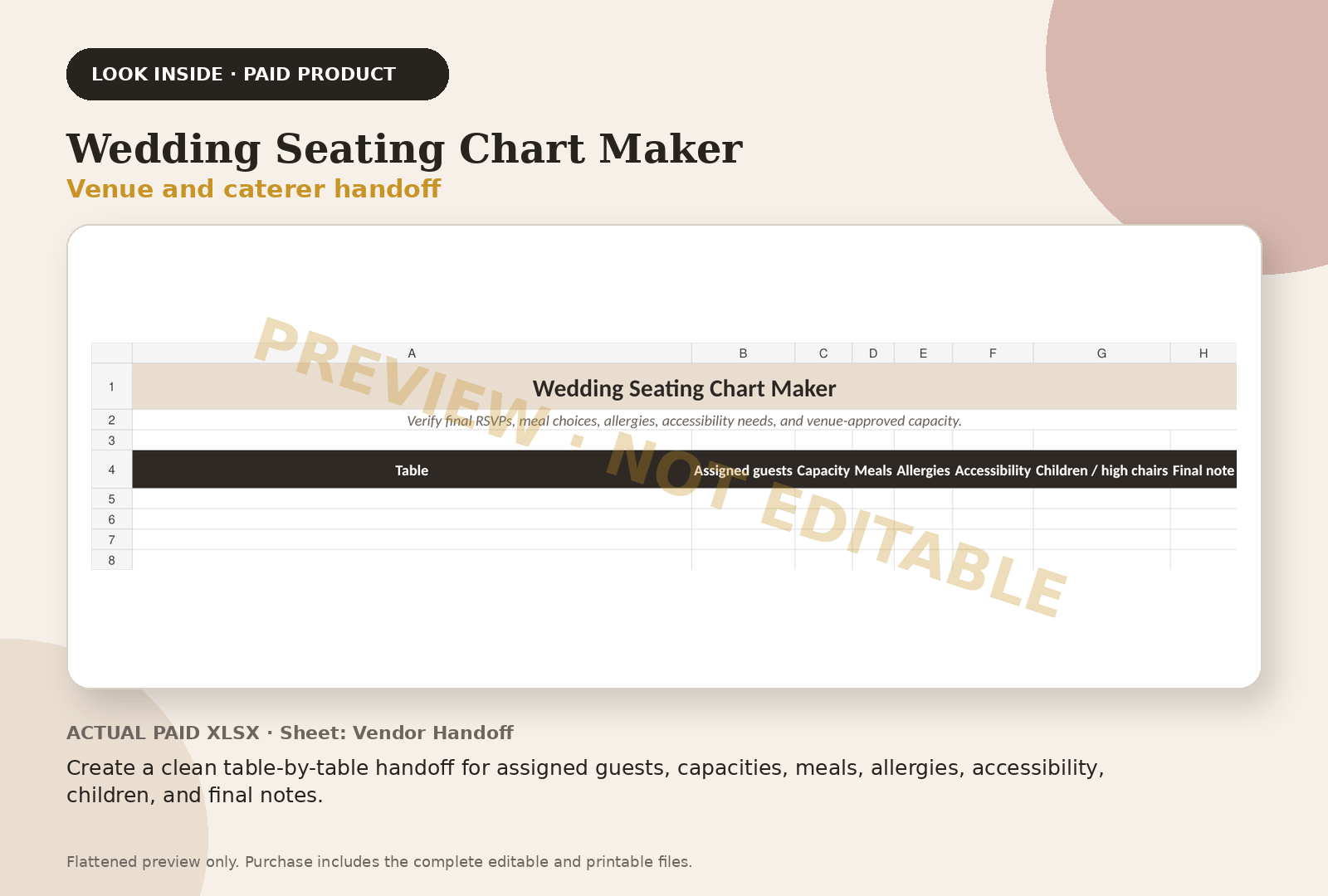
Create a clean table-by-table handoff for assigned guests, capacities, meals, allergies, accessibility, children, and final notes.
Questions couples ask
Frequently asked questions
How do I make a wedding seating chart?
Use one confirmed guest list, venue-approved table capacities, household and social grouping, special-needs fields, and a final reconciliation between confirmed and assigned guests.
How many people should sit at a wedding table?
Capacity depends on table size, chairs, place settings, service style, room layout, and venue rules. Confirm the approved and comfortable capacity with the venue or rental provider.
When should the seating chart be final?
Finalize after the venue and caterer require final counts, while leaving a controlled process for late cancellations or approved substitutions.
Continue with the working system
Wedding Seating Chart Maker
This educational guide explains the method. The product page shows the actual paid-file previews, exact file inventory, and checkout path.
Review Wedding Seating Chart Maker — $19Outside services couples use
Registry and invitations, when you get there
Some of these are affiliate links: if you sign up or buy through them we may earn a commission, at no cost to you.
Keep planning